KeY 4 Eclipse Starter
KeY 4 Eclipse Starter is a basic Eclipse extension to start KeY from within Eclipse.
The following sections illustrate the main features of KeY 4 Eclipse Starter using screenshots. Each section contains numbered screenshots that explain a usage scenario step by step. Clicking on each picture produces a more detailed view. The screenshots may differ from the latest release.
Prerequisites
KeY 4 Eclipse Starter is compatible with Eclipse Indigo (3.7) or newer.
Required update-sites and installation instructions are available in the download area.
Open KeY
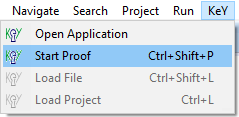
Open KeY via main menu item “KeY, Open Application”.
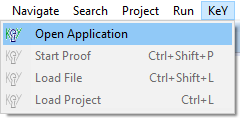
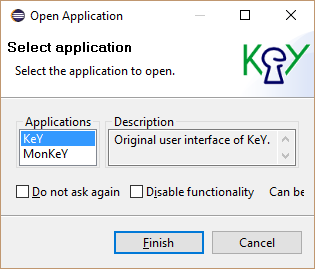
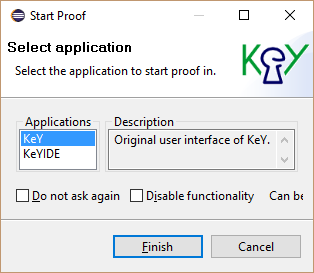
Open KeY Select Application “KeY”.
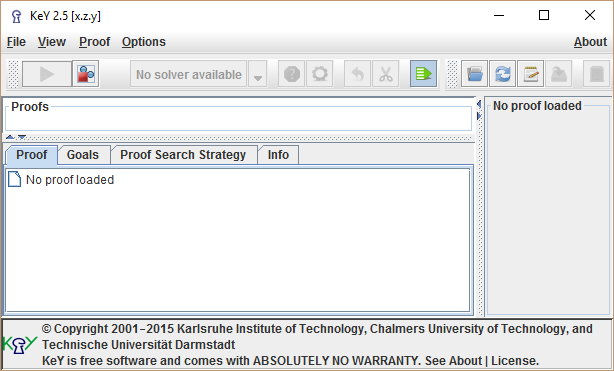
Open KeY Use KeY as normal.
Open KeY
Verify a method contract
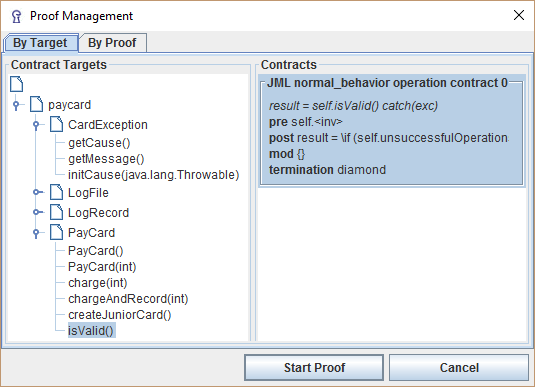
Select the method to verify.
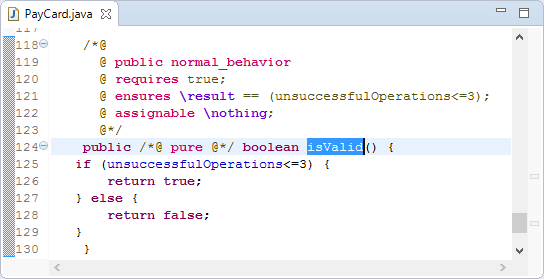
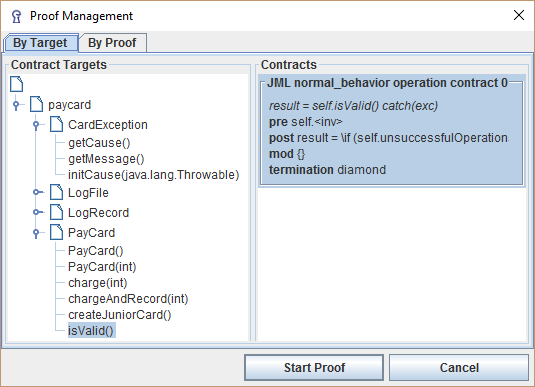
Verify a method contract Start proof via main menu item “KeY, Start Proof”.
Verify a method contract Select Application “KeY”.
Verify a method contract Instantiate proof in KeY as normal.
Verify a method contract
Load a proof or key file
Select the proof or key file to load.
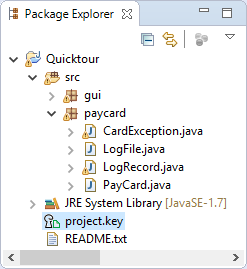
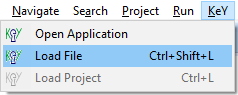
Load a proof or key file Start proof via main menu item “KeY, Load File”.
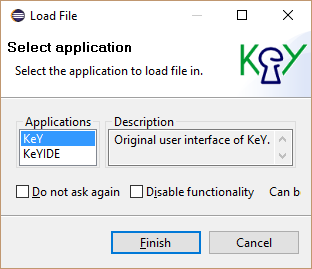
Load a proof or key file Select Application “KeY”.
Load a proof or key file Instantiate proof in KeY as normal.
Load a proof or key file
Stop auto mode when breakpoint is hit
Define a Line, Method or Java Exception breakpoint, a Watchpoint or a KeY Watchpoint as usual.
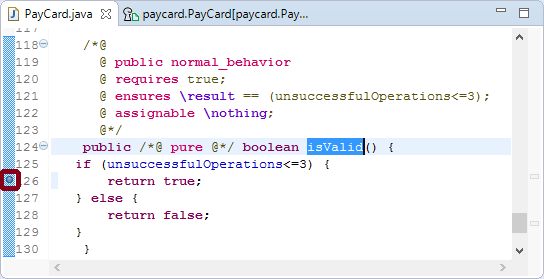
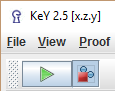
Stop auto mode when breakpoint is hit Select toolbar item “Stop when a breakpoint is hit.” before starting the auto mode.
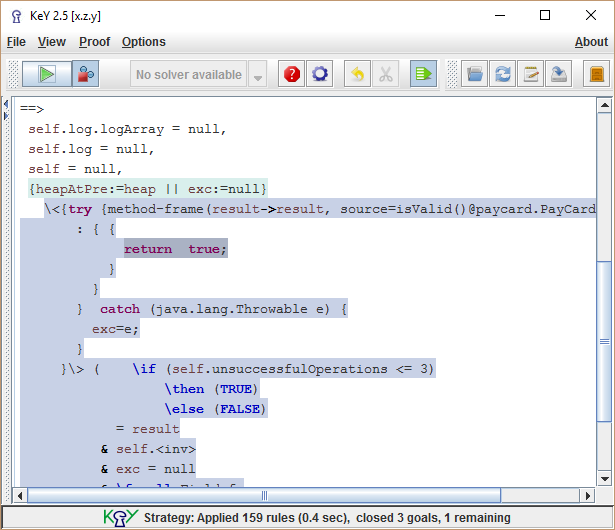
Stop auto mode when breakpoint is hit Auto mode stops when breakpoint is hit.
Stop auto mode when breakpoint is hit