Visual DbC
Visual DbC is a proof management and visualization tool. It allows to visualize code members (e.g. types, attributes, methods) together with specifications (e.g. method contracts, invariants) and proofs in a DbC diagram similar to an UML class diagram. Proof references are used to indicate that a code member or a specification is used by a proof.
The following sections illustrate the main features of Visual DbC using screenshots. Each section contains numbered screenshots that explain a usage scenario step by step. Clicking on each picture produces a more detailed view. The screenshots may differ from the latest release.
Prerequisites
Visual DbC is compatible with Eclipse Indigo (3.7) or newer.
Required update-sites and installation instructions are available in the download area.
Visualize existing source code
Select package to visualize its source code. Subpackages will be automatically included.
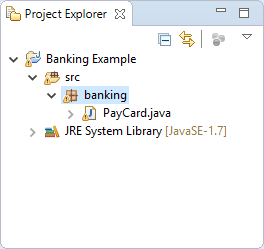
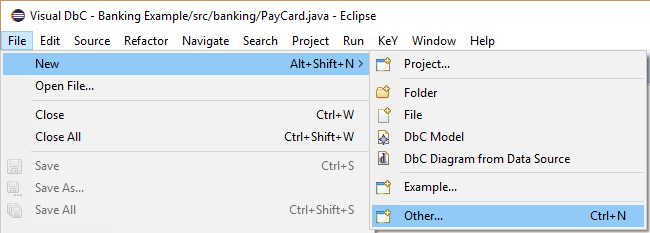
Visualize existing source code Open new wizard via context menu item “New, Other…” of the selected package.
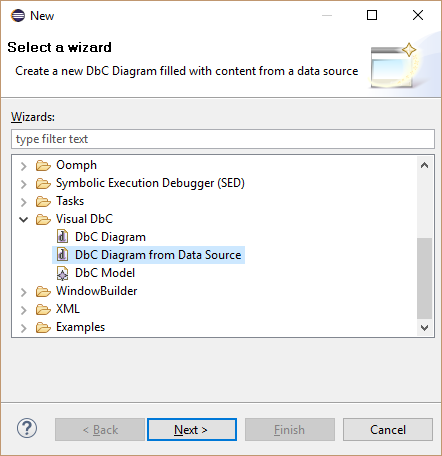
Visualize existing source code Select “Visual DbC, DbC Diagram from Data Source”.
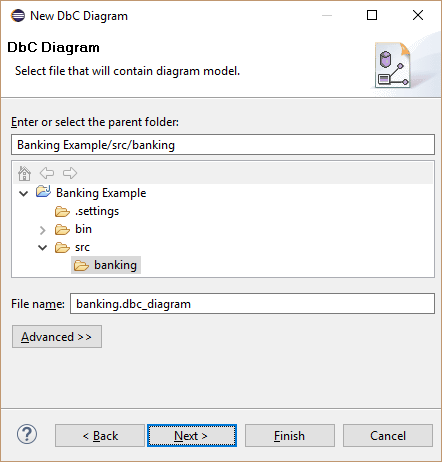
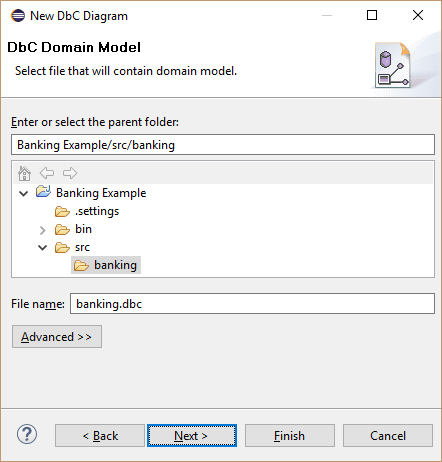
Visualize existing source code Define the file name of the diagram file. This file contains the graphical representations.
Visualize existing source code Define the file name of the model file. This file contains the content.
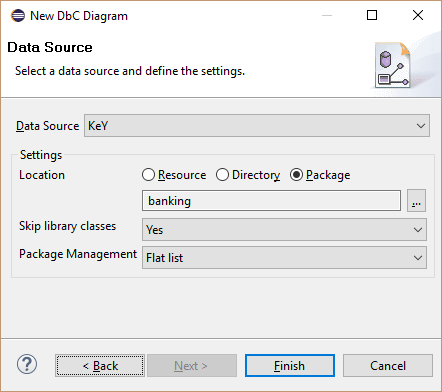
Visualize existing source code Optionally change the package treatment and finish the wizard.
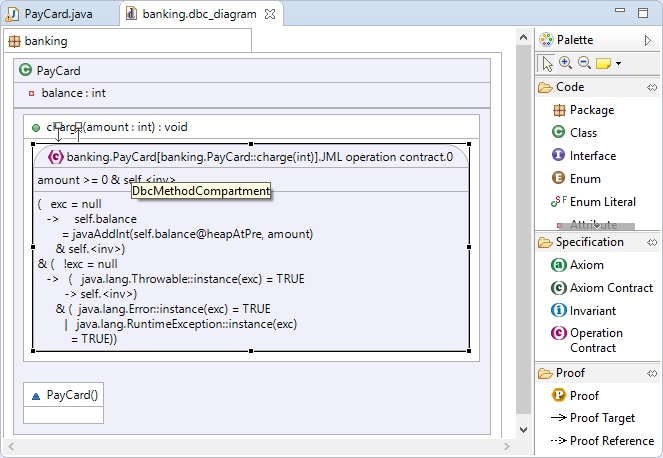
Visualize existing source code Inspect the generated diagram. The layout of selected diagram elements can be improved by selecting main menu item “Diagram, Arrange, All”.
Visualize existing source code
Do proofs with a DbC diagram
Add a proof and name it “ContractPO”.
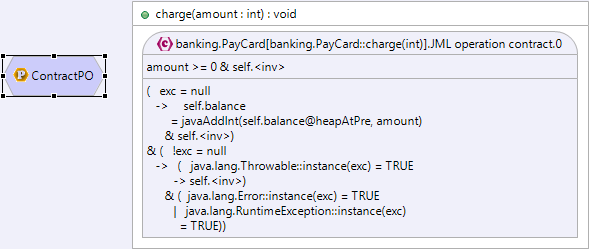
Do proofs with a DbC diagram Add a proof target reference from the proof to the element to verify.
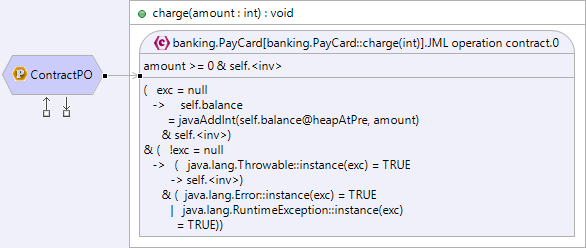
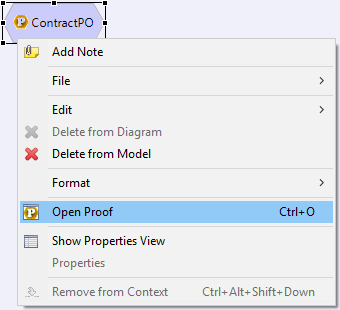
Do proofs with a DbC diagram Select “Open Proof” in the context menu of the proof.
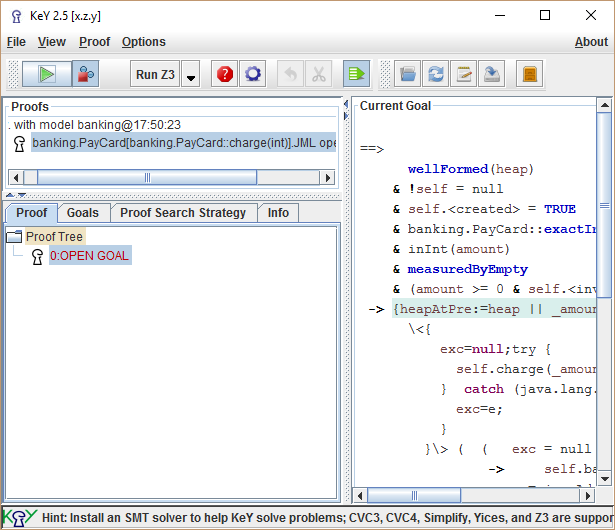
Do proofs with a DbC diagram Do the proof as normal in the user interface of KeY.
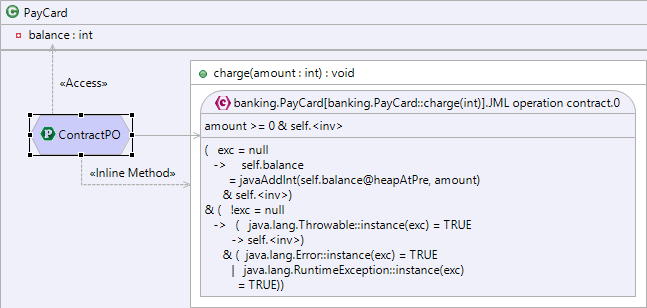
Do proofs with a DbC diagram Detected proof references are automatically added to the diagram.
Do proofs with a DbC diagram View “Statistic” shows the status of all proof obligations.
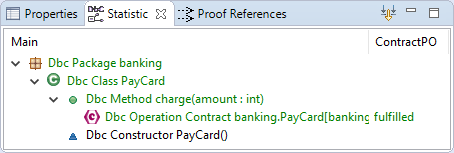
Do proofs with a DbC diagram
Visualize proof dependencies of a proof in the KeY IDE
Do the proof in the KeY IDE as normal.
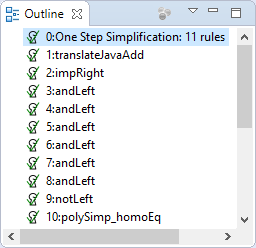
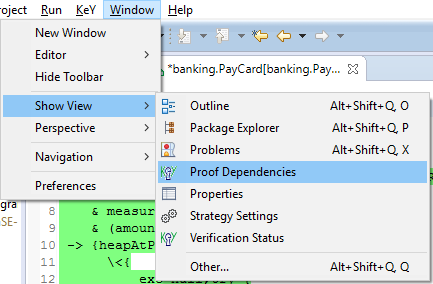
Visualize proof dependencies of a proof in the KeY IDE Open view “Proof Dependencies” via main menu item “Window, Show View, Proof Dependencies”.
Visualize proof dependencies of a proof in the KeY IDE Inspect the used code members and specifications in view “Proof Dependencies”.
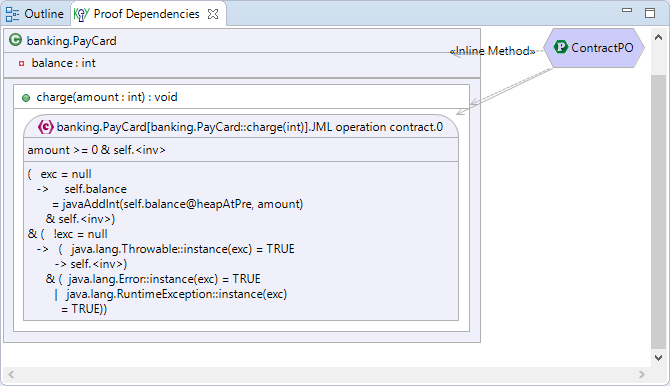
Visualize proof dependencies of a proof in the KeY IDE